

Follow these quick steps to apply a voucher code to your Share2.io account:
Log in to your account: Navigate to the Share2.io
Go to your Billing settings: Click on your user avatar in the top right corner of the screen and select Billing from the menu. Alternatively, you can go directly to https://share2.io/user/billing
Locate the redemption area: Scroll down to the bottom right of the Billing page until you see the Redeem Voucher section.
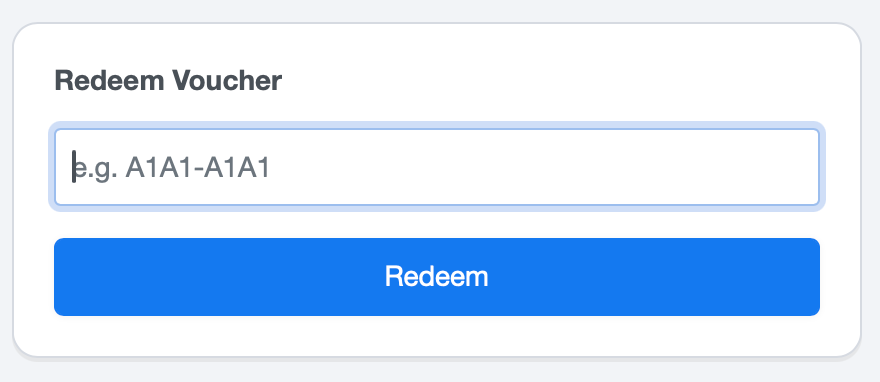
Enter your code: Type or paste your Share2.io voucher code into the text field.
Apply the voucher: Click the Redeem button to activate your code and apply it to your account.